Why a Website Isn’t “Set and Forget” (And How to Keep It Thriving)
🚀 Your Website Launches… Now What?
There’s a huge sense of accomplishment when you launch a new website.
The design is polished.
The SEO is tuned.
The messaging is on point.
It’s tempting to breathe a big sigh of relief, pop the champagne — and think you’re done.
But here’s the truth:
A website launch is not the finish line. It’s the starting line.
At Bitstream Media, we believe in setting clear, real-world expectations for business owners:
Building your website is Step 1. Maintaining it is Step 2 — and it’s just as important.
Let’s break down why ongoing website maintenance is critical, what it actually involves, and how smart businesses plan for it from day one.
📉 The Dangerous Myth of “Set and Forget”
Far too many businesses treat their websites like digital brochures:
“Build it once, forget about it.”
The reality today:
Platforms evolve
Security threats grow
Content needs updating
SEO best practices shift
New devices and browsers emerge
Customer expectations change
A stagnant website isn’t just “outdated” — it’s vulnerable and ineffective.
Without maintenance, you risk:
Security breaches
Plugin and theme incompatibility
Broken functionality
SEO penalties
Damaged brand trust
🧠 Think of Your Website Like a Car
Imagine buying a brand-new car and never:
Changing the oil
Rotating the tires
Checking the brakes
Updating the software
How long would it last?
Not long.
Websites are the same:
They need tuning.
They need security patches.
They need updates to stay compatible with the online world evolving around them.
Ongoing maintenance isn’t a luxury. It’s basic survival for your online presence.
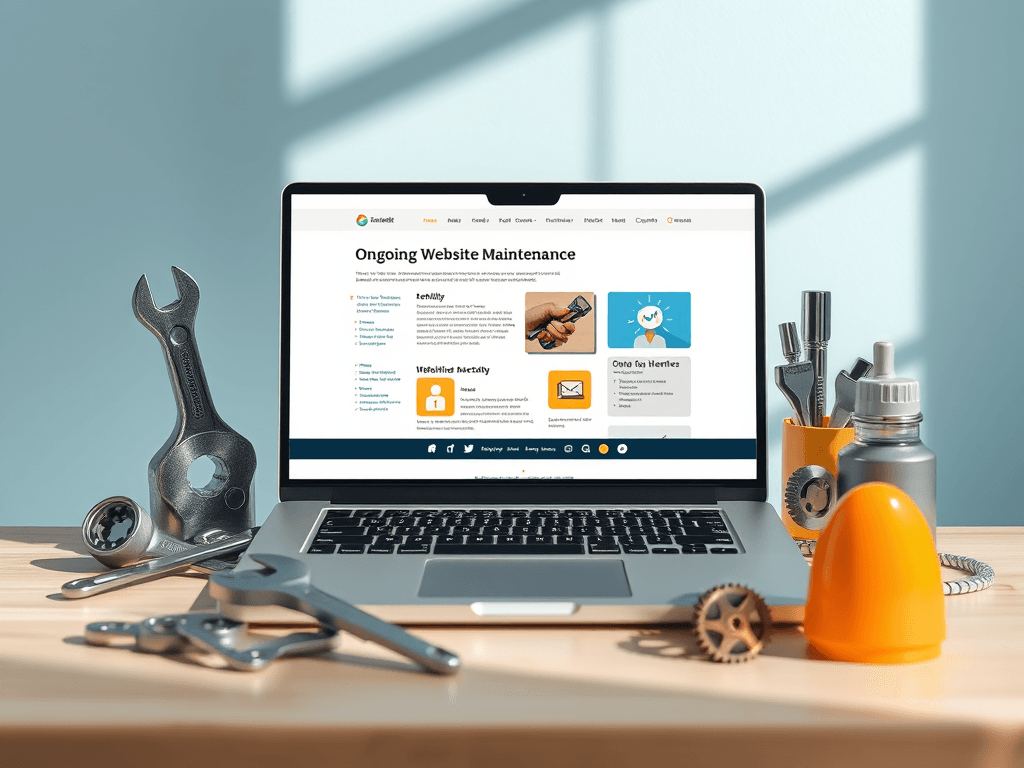
📋 What Does Website Maintenance Actually Involve?
It’s not just about pushing the “Update All” button.
Here’s what smart, strategic website maintenance covers:
🔐 1. Security Updates (Plugins, Themes, Core Software)
WordPress, plugins, and themes are constantly updated to patch vulnerabilities.
Skipping updates is the #1 cause of website hacks.
Best Practice:
Update WordPress core versions responsibly (test on staging if possible).
Keep all plugins and themes current.
Remove abandoned or vulnerable plugins.
📈 2. Performance Monitoring and Optimization
As content grows, databases swell.
New browser versions may impact speed.
Third-party scripts can drag you down.
Best Practice:
Regularly test site speed (PageSpeed Insights, GTmetrix).
Optimise images and database tables.
Prune unnecessary scripts and plugins.
Adjust caching settings as needed.
🔎 3. SEO Health Checks
SEO isn’t “set once and forget.”
Algorithm changes and evolving competition mean constant SEO tuning.
Best Practice:
Monitor search rankings monthly.
Update meta titles and descriptions based on performance.
Add internal links to new content.
Fix broken links and redirects.
📊 4. Analytics and User Behavior Reviews
Is your bounce rate climbing?
Are key landing pages underperforming?
Is mobile traffic growing but conversions shrinking?
Best Practice:
Review Google Analytics and Search Console monthly.
Identify UX issues early (e.g., page abandonment, form drop-offs).
Adjust CTAs, content, and design based on real user behavior.
🛡️ 5. Backups and Disaster Recovery Planning
If something goes wrong, can you restore your site — fast?
Best Practice:
Schedule daily backups (offsite/cloud storage preferred).
Test restores at least quarterly.
Have clear rollback points before major updates.
🛠️ 6. Functionality Testing
What works today might not work tomorrow after updates.
Best Practice:
Test forms, checkouts, lead generation tools monthly.
Verify mobile responsiveness after theme/plugin updates.
Check all critical workflows (booking, inquiries, downloads).
🎨 7. Content Updates and Refinement
Fresh, relevant content boosts SEO, user engagement, and authority.
Best Practice:
Update service pages to reflect real-world changes.
Add case studies, blog posts, portfolio updates regularly.
Refresh dated testimonials or team bios.
📚 Why Website Maintenance Matters Even More for Creative, Media, and Tech Businesses
If you’re a:
Web designer
Videographer
Digital marketer
Content creator
Small tech consultancy
Your website isn’t just your brochure — it’s your credibility.
Outdated, broken, slow, or insecure sites instantly erode trust with:
New leads
Collaborators
Clients
Media partners
In competitive creative industries, first impressions matter.
Your work is judged by your own platform’s quality — whether that’s fair or not.
📋 Real-World Website Maintenance Examples
Website Type | Maintenance Priority |
|---|---|
Creative Portfolio | Speed optimisation, image compression, mobile UX updates |
eCommerce Site | Security patches, backup schedules, checkout testing |
Corporate Website | Analytics reviews, SEO monitoring, updating compliance policies |
Membership Platform | Payment gateway testing, uptime monitoring, security hardening |
Blog | Broken link audits, schema updates, mobile usability testing |
🧠 What Happens if You Skip Website Maintenance?
If you let your site sit untouched for too long, problems compound:
Security vulnerabilities open you to hacks and defacements.
Plugin conflicts break forms, menus, or even the entire site.
SEO penalties push you off page one without warning.
Slow loading times send users bouncing to competitors.
Broken mobile responsiveness damages conversions on 50%+ of traffic.
Fixing a neglected site usually costs more than steady maintenance ever would.
🚀 Smart Businesses Treat Website Maintenance Like Insurance
You wouldn’t skip:
Insurance for your premises
Security for your devices
Backups for your important documents
Your website deserves the same protection.
A maintained website:
✅ Converts better
✅ Ranks better
✅ Supports your brand image
✅ Grows with your business goals
💬 But My Website Seems Fine — Why Pay for Maintenance?
Websites are like buildings.
They don’t fall apart overnight — they decay slowly.
If you’re only reacting once something visibly breaks, you’ve already lost valuable time, customers, and possibly reputation.
Proactive maintenance:
Catches issues before they explode.
Preserves your SEO authority.
Keeps performance metrics high.
Maintains platform compliance and best practices.
🛠️ DIY Maintenance vs Professional Care Plans
Option | Pros | Cons |
|---|---|---|
DIY | Cheaper upfront, learning opportunity | Time-consuming, risk of missed updates, higher chance of mistakes |
Professional Care Plan | Saves time, handled by experts, proactive support | Ongoing monthly investment |
If you’re technically confident, a DIY plan can work (especially for micro-businesses).
But most growing brands find professional care plans free them up to focus on their real work — not dashboard alerts and plugin conflicts.
🎯 TL;DR: Launching a Website is Only Half the Battle
Step | Focus |
|---|---|
Build | Create a beautiful, functional site ✅ |
Launch | Push it live, start marketing ✅ |
Maintain | Keep it secure, fast, fresh, and optimised ✅ |
Without maintenance, even the best-designed websites fade into irrelevance (or worse, break down completely).
A small, steady investment in ongoing maintenance protects your larger investment in your brand, your marketing, and your reputation.
✋ Want to Chat About Website Maintenance?
At Bitstream Media, we love helping small businesses, creatives, and digital brands keep their websites thriving, not just surviving.
We’re happy to chat — whether you’re looking for DIY advice, a simple maintenance checklist, or exploring full care plans tailored to your setup.
📞 Book a free website health check
🌐 Visit bitstreammedia.com.au
Let’s make sure your website keeps working as hard as you do.