Professional screen mapping. Route multiple video sources onto pixel-accurate canvas layouts and broadcast live via NDI and Syphon.
7-day free trial · watermarked after trial
Design your screen layouts visually with flexible canvases. Define pixel-accurate output regions that match your physical display setup.
Broadcast your mapped canvases over the network using NDI. Send video to any NDI-compatible device or software on your LAN.
Share video frames with other macOS applications in real time via Syphon. Ultra-low-latency, GPU-accelerated texture sharing.
Ingest video from Syphon servers, NDI streams, test patterns, and colour generators. Mix and match source types freely.
Map any region of a source to any region of a canvas with precision. Crop, scale, and position content exactly where you need it.
See your mapped output live as you build. Preview every canvas in real time to verify your layout before going live on stage.
Define output canvases matching the pixel dimensions of your screens, LED walls or projection surfaces.
Bring in video from Syphon servers, NDI streams, or built-in test patterns and generators.
Place source regions onto your canvases. Crop and position with pixel-level accuracy.
Send your mapped canvases live via NDI over the network or Syphon to other applications.
Reliable real-time output for live events, permanent installations, and broadcast workflows.
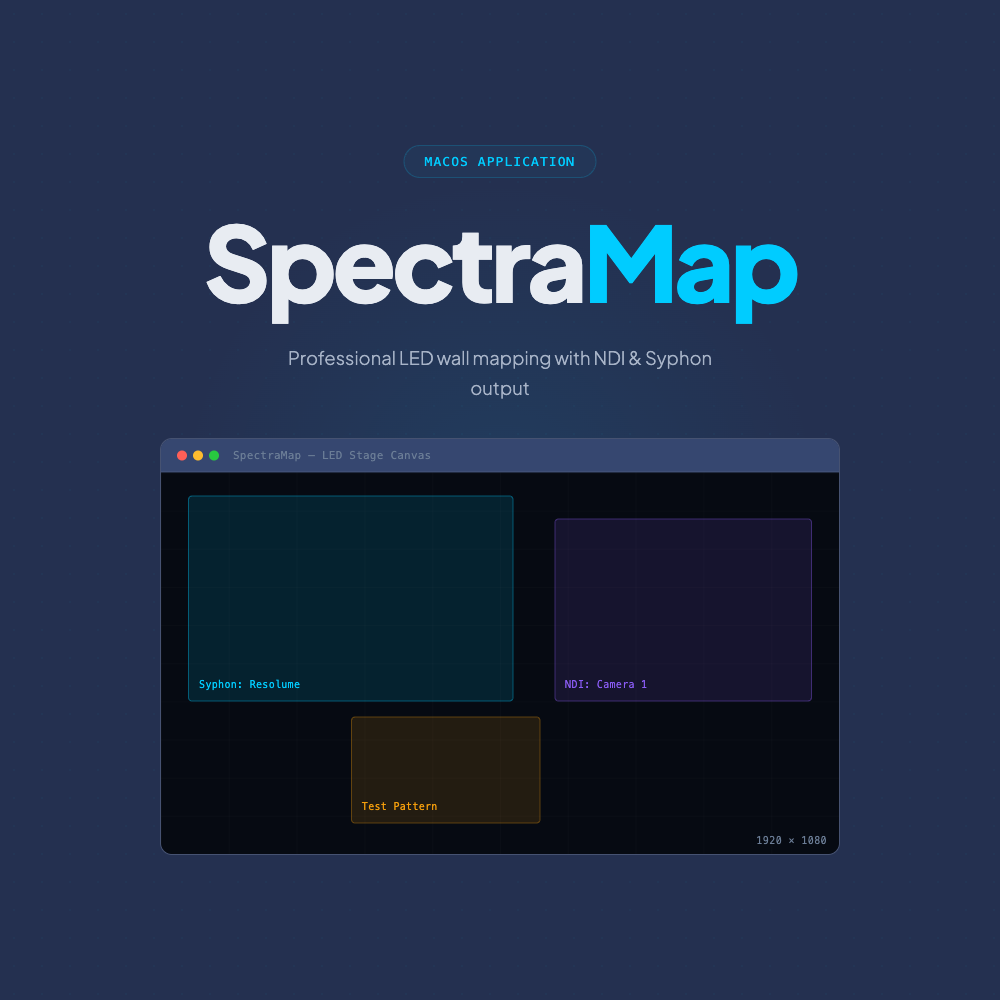
Seamless integration with the NDI and Syphon ecosystems.
SpectraMap is native macOS screen-mapping software. It takes Syphon and NDI video sources, lets you arrange them on pixel-accurate canvases that match your physical screens, and broadcasts the result over NDI or Syphon — purpose-built for LED walls, projection and multi-screen live production.
Yes. SpectraMap is a native macOS application optimised for Apple Silicon (M-series) as well as Intel Macs.
Syphon servers, NDI streams, and built-in test patterns and colour generators. Mix and match source types freely on a single canvas, with pixel-level cropping, scaling and positioning.
You map sources onto output canvases sized to your physical displays, then broadcast each canvas live over NDI across your network — or share it via Syphon to other macOS apps. Rendering is GPU-accelerated at up to 30fps.
Yes — a 7-day free trial (watermarked output) so you can test SpectraMap on your own rig before buying.
SpectraMap is one of three macOS tools for live production — explore the rest of the suite.
Professional screen mapping, simplified.
7-day free trial · watermarked after trial