Nobody in a production meeting ever says “the LED mapping was the highlight of the show.”
They say the content was great. The energy was incredible. The lighting was immaculate. The LED wall looked stunning. Nobody pulls you aside after a corporate gala and says, “mate, that pixel mapping workflow was chef’s kiss.” And that’s exactly how it should be — the infrastructure should be invisible, and the result should speak for itself.
But you know. You know how much work went into making four separate video sources land on that wall correctly, in the right regions, at the right scale, with the right output dimensions, distributed to the right processors, all from a laptop in a flightcase under the stage. You know because you built it, debugged it, rebuilt it at 6am during bump-in, argued with a hire company about why their LED processor needed a specific resolution, and then stood there looking calm while the show ran because that’s what we do.
The LED wall mapping problem is one of the most underappreciated technical challenges in live event production. And it’s getting more complicated, not less — as NDI becomes the backbone of modern video infrastructure and productions ask more of the displays they’re putting on stage.
We built SpectraMap to make this less painful. Let’s talk about why.
The Way Most People Are Solving This (And Why It’s Not Ideal)
Ask ten live production professionals how they handle LED wall mapping on macOS and you’ll get twelve different answers. Some are running Resolume Arena and using its output transformation features — which works, but ties up a full copy of Arena for a task that’s essentially infrastructure rather than content. Some are running MadMapper. Some have cobbled together a chain involving OBS, NDI Tools, and a healthy dose of optimism.
Some — and this is the category that haunts me personally — have built these elaborate signal rigs where a Mac Mini feeds into a small hardware matrix, which feeds into a scan converter, which feeds into the LED processor, with a label-maker label on each cable that says things like “DO NOT TOUCH — SHOW CRITICAL” written in the slightly unhinged handwriting of someone who hasn’t slept properly since the load-in.
All of these approaches work, technically. They all also involve using major, expensive, or unnecessarily complex software for a task that is, at its core, pretty well-defined: take these video sources, put them in these regions, send them out these outputs.
SpectraMap is what happens when you strip that problem down and build exactly the tool it needs.
What SpectraMap Does, Without the Buzzword Soup
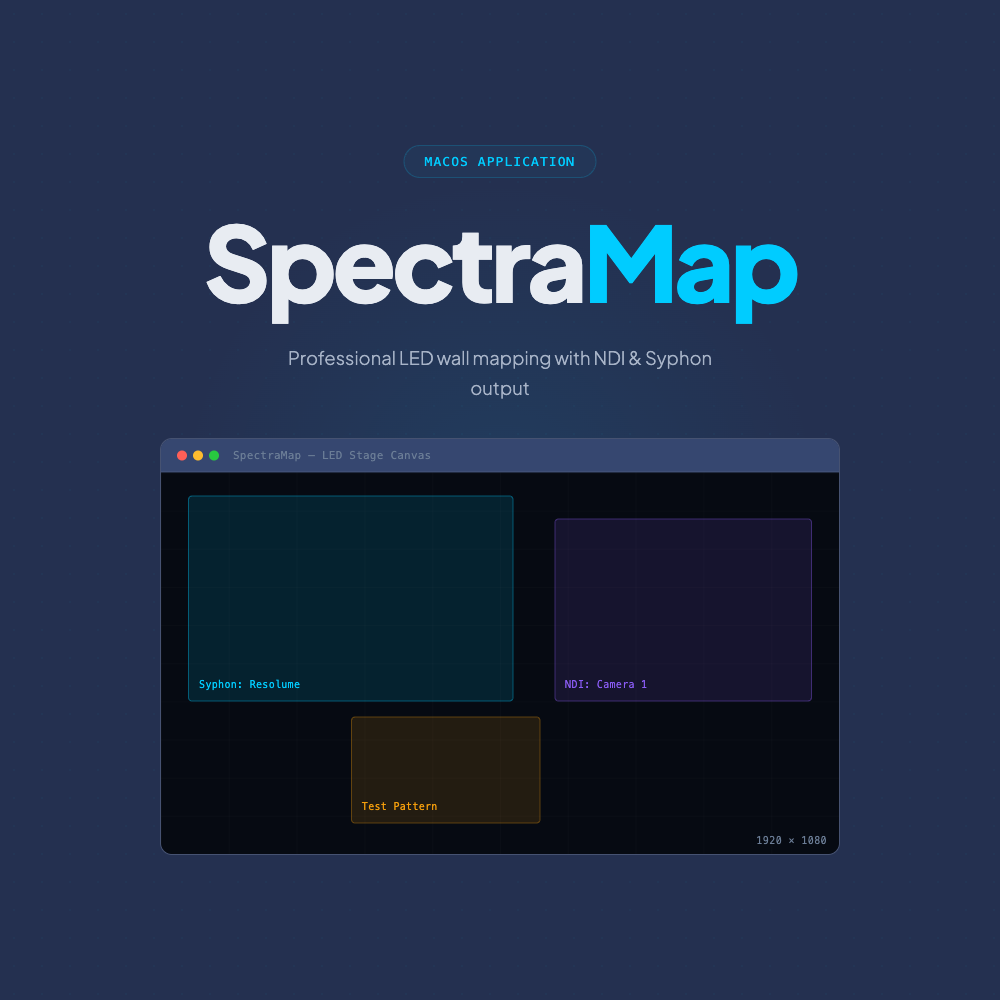
SpectraMap is a canvas-based video mapping application for macOS. You tell it the output dimensions (matching your physical LED wall or processor input). You bring in your video sources — Syphon, NDI, test patterns, solid colours, whatever you need. You arrange those sources onto your canvas with pixel-accurate control. Then you push that canvas out live via NDI over your network, or Syphon locally to another application.
That’s the whole model. Source in, canvas out, distribution via the protocols the industry already uses.
→
NDI Camera
→
SpectraMap Canvas
→
NDI → Processor A
·
NDI → Processor B
·
Syphon → Local App
The reason the canvas model matters is that it matches how you actually think about LED walls. You don’t think in “effects chains” or “node graphs” when you’re wiring up a processor. You think in regions. This section of the wall gets this content. That section gets something else. This strip across the bottom is a separate zone. SpectraMap speaks that language.
And because the output is NDI, it talks directly to the infrastructure you’re probably already running. BirdDog encoders sitting at the LED processors? They receive NDI. Resolume Arena on the main media server? It can pull an NDI source. Your broadcast feed that goes to the stream or the record? NDI. The SpectraMap output goes everywhere the network goes.
A Show Scenario That Will Feel Familiar
It’s a touring festival production. The main stage has a 9-metre wide LED backdrop — let’s call it 5760×1440 pixels across three processor inputs at 1920×1440 each. There are also two 2-metre square scenic IMAG repeaters at the sides of the stage, each 1080×1080 pixels, fed independently.
Content is coming from:
- A media server running Resolume Arena (outputting Syphon)
- An NDI camera feed from front-of-house for the IMAG
- A live data feed displayed in a web app on a separate Mac, captured via SpectraBridge and pushed as Syphon
- A countdown clock from a show management tool, also via SpectraBridge
In SpectraMap, you create five canvases — three for the backdrop processors, two for the IMAG repeaters. You bring in all four sources. You map the Resolume Syphon output across the three backdrop canvases, splitting it correctly for each processor input. You map the NDI camera feed to both IMAG canvases. You have the data feed and the countdown ready to swap in or overlay when needed.
Five NDI streams go out over the network to five destinations. Each processor gets exactly the right signal. You can preview every canvas in real time before anything goes on screen.
The show runs. Nobody mentions the mapping. That’s a win.
The NDI Angle — Why It Matters More Than Ever
Five years ago, if you mentioned NDI to a hire company, you’d get a blank stare or a polite suggestion to use SDI “like a normal person.” That conversation is happening much less frequently now.
NDI has genuinely become the backbone of how modern live event and broadcast video infrastructure works. IP-based video distribution over standard gigabit Ethernet has proven itself reliable, scalable, and dramatically more flexible than fixed-format SDI routing. Productions are running full NDI networks. Hire companies are stocking BirdDog gear. Media servers are shipping with native NDI support as table stakes.
SpectraMap was built inside this reality. It doesn’t treat NDI as a nice-to-have or a special mode — it’s a first-class output protocol, sitting alongside Syphon as an equally viable distribution path. Whether your downstream devices are on the same machine (Syphon) or somewhere else on the rack network (NDI), SpectraMap reaches them.
And because SpectraMap also receives NDI as an input source, it can sit inside a larger NDI infrastructure and pull from cameras, remote playback systems, or other software tools on the network — not just from local Syphon sources.
That said — SDI isn’t going anywhere. There are still plenty of venues, hire companies, and broadcast environments where a BNC connector is the only signal path that exists, and “just use NDI” isn’t an option anyone in the room wants to hear at 4pm during a load-in. We know this because we’ve been those people.
SDI in, SDI out — via your Blackmagic interface, as a first-class source and output type alongside NDI and Syphon. For environments where the signal chain ends and begins in baseband video, that gap is going to close.
What It Won’t Do (And Why That’s a Feature)
SpectraMap won’t manage your media. It won’t store clips, build playlists, apply effects, or replace Resolume. It’s not a full media server and it’s not trying to be one. The live production industry already has excellent, deeply-developed tools for media management and real-time effects processing.
What those tools don’t always do well — or don’t do cheaply — is the mapping and distribution layer. That’s SpectraMap’s job. It sits between your content tools and your physical outputs, and it does that one job with focus and precision.
If you want to use SpectraMap to reduce your dependence on running a full copy of Resolume just for output routing, you can. If you want to use it alongside Resolume as a dedicated distribution layer, you can do that too. It’s designed to fit into your workflow, not replace it.
Pricing and Trial
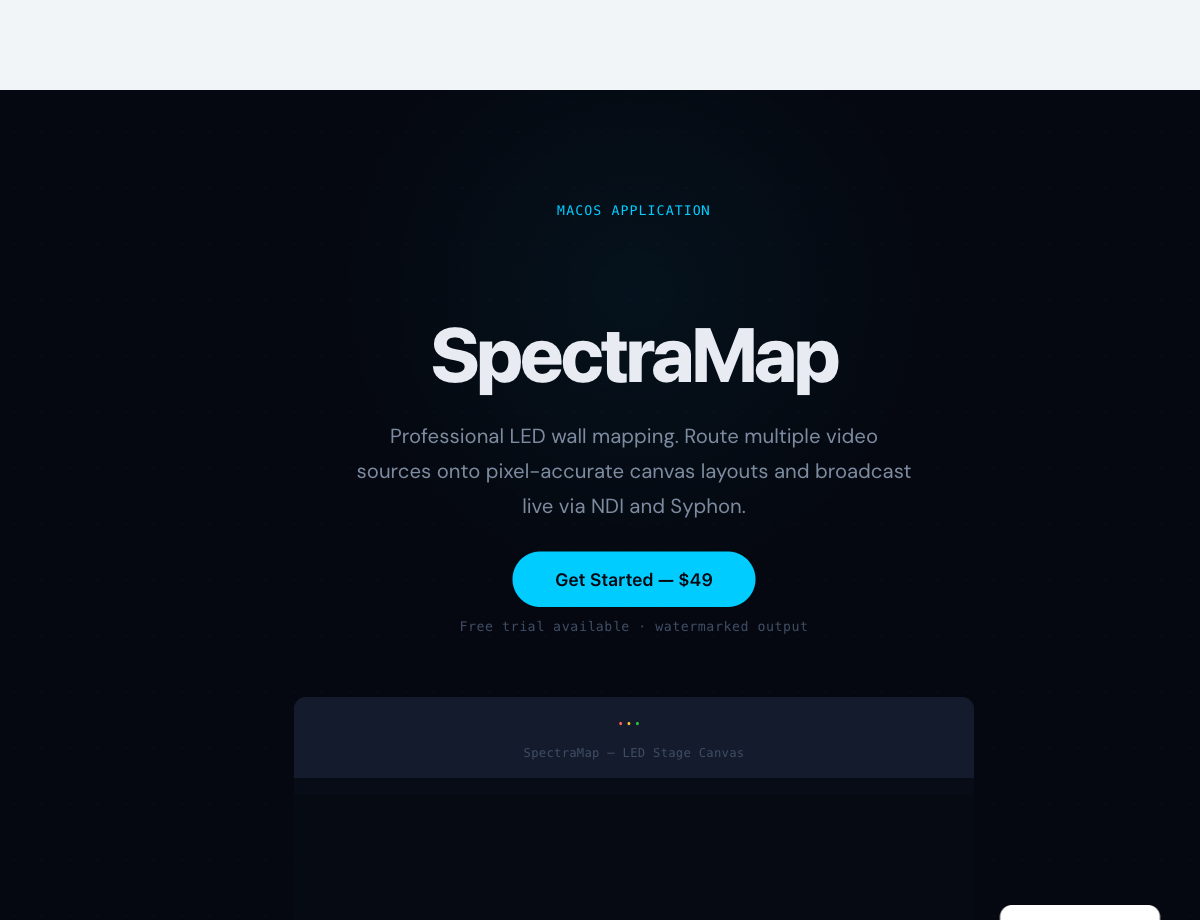
SpectraMap is $179 AUD (inc. GST) — one-time purchase, no subscription.
For context: a single-day hire of a hardware scan converter that does a fraction of what SpectraMap does will cost you more than that. A month of most media server subscription tiers will cost you more than that. One hundred and seventy-nine dollars for a tool you own, that runs on hardware you already have, that solves a real problem you encounter on real shows — we think that’s a fair deal.
7-day free trial available, full functionality, watermarked output during the trial period.
Try SpectraMap free →
Learn more about SpectraMap →
The Stack It Lives In
SpectraMap pairs naturally with SpectraBridge — our macOS screen capture to Syphon utility. If you need to bring application windows or desktop content into SpectraMap as Syphon sources (rather than just NDI streams), SpectraBridge is the tool that makes that clean and easy, with almost no resource overhead.
Together, they cover a substantial chunk of the signal chain from “content exists somewhere on a Mac” to “content is on the LED wall via NDI” — using two focused, affordable tools instead of a complicated and expensive assembly of workarounds.
Both are part of the growing Spectra suite from Bitstream Media. More tools are in development. Watch this space.