There’s a particular kind of professional frustration that lives at the intersection of “this should already exist” and “apparently I’m the only person annoyed enough to do something about it.”
Plumbers get it. Anyone who’s tried to buy a left-handed tin opener gets it. And if you’ve spent any meaningful amount of time doing live video production on macOS — patching together signal chains for LED walls, routing application windows into Resolume, wrangling NDI streams on a gigabit network at 3am the night before a show — you almost certainly get it too.
That frustration is where the Spectra suite was born. Not in a product roadmap meeting. Not in a startup pitch deck. In a venue, under pressure, on a deadline, surrounded by cables and empty Red Bull cans, wondering why a task this specific and this common didn’t already have a clean, affordable, native macOS solution.
The Original Problem
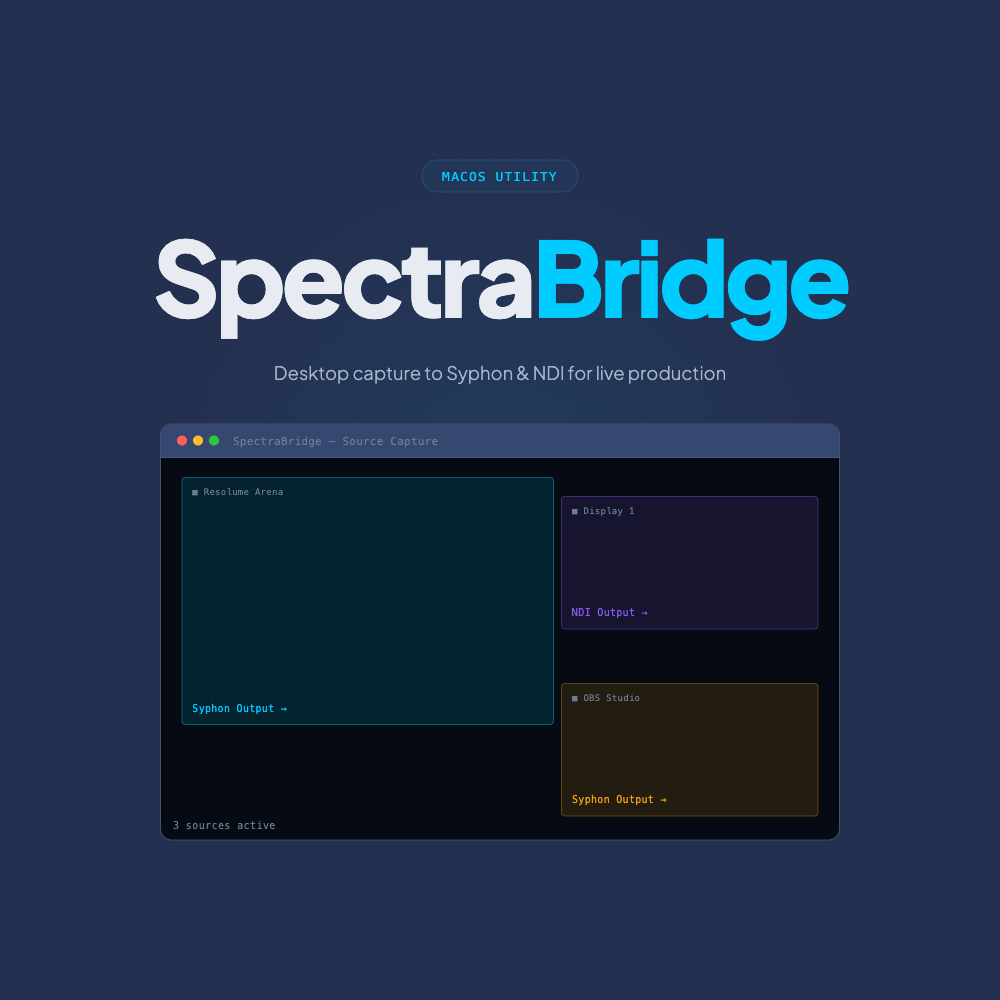
It started with what should have been a trivially simple task: capture three separate application windows on a single Mac and route each one as an independent video source into Resolume Arena.
Three windows. One machine. One destination. Simple, right?
Reader, it was not simple.
The obvious first stop was OBS Studio with a Syphon output plugin. OBS is fantastic — genuinely one of the great open-source success stories of the past decade — but it’s a streaming and recording tool by nature, and the Syphon plugin ecosystem around it is maintained with the kind of intermittent enthusiasm that makes you nervous before a show. “Works on my machine” is not a production SLA.
The next idea was using OBS to output NDI, which Resolume could then receive. This actually worked reasonably well — except that you’re now encoding and decoding video on the same physical machine, burning CPU and GPU cycles on a compression/decompression round-trip that exists purely because the tool stack wasn’t designed for this use case. On a loaded show rig, that overhead is real and it matters.
The other options weren’t much better. You could buy a dedicated media server application just to use as a passthrough for window content — technically functional, massively overkill, and expensive. You could run a second Mac and a hardware capture card — which adds cost, complexity, and another point of failure. You could patch together a series of virtual display drivers, loopback utilities, and third-party capture tools in a configuration so fragile that touching the wrong setting during show prep could bring the whole thing down.
None of these felt right. All of them were answers to a question that shouldn’t have been this hard to answer.
So we built SpectraBridge. And once we’d solved that problem, the next one was already waiting.
The Second Problem Arrived Quickly
Having multiple application windows available as individual Syphon sources in Resolume was great. But Resolume is a content and effects tool — it wasn’t designed to be a pixel mapping and distribution layer for complex LED configurations.
When a production has a main LED wall, two flanking towers, and a floor strip, all with different dimensions, different processor inputs, and potentially different content — and when you need to route multiple sources onto a single canvas with pixel-accurate control and then push the result out over NDI to four separate destinations — you’re asking a lot of a tool that was built to play and effect video clips.
You can do it. Resolume is flexible enough. But you’re working against the grain of the software, and the configuration gets unwieldy fast. Other dedicated mapping tools exist — some of them excellent — but they’re either platform-agnostic Swiss Army knives with corresponding complexity, or they’re priced for the kind of productions that have a full media server department and a technical director with an equipment budget that would make a small country wince.
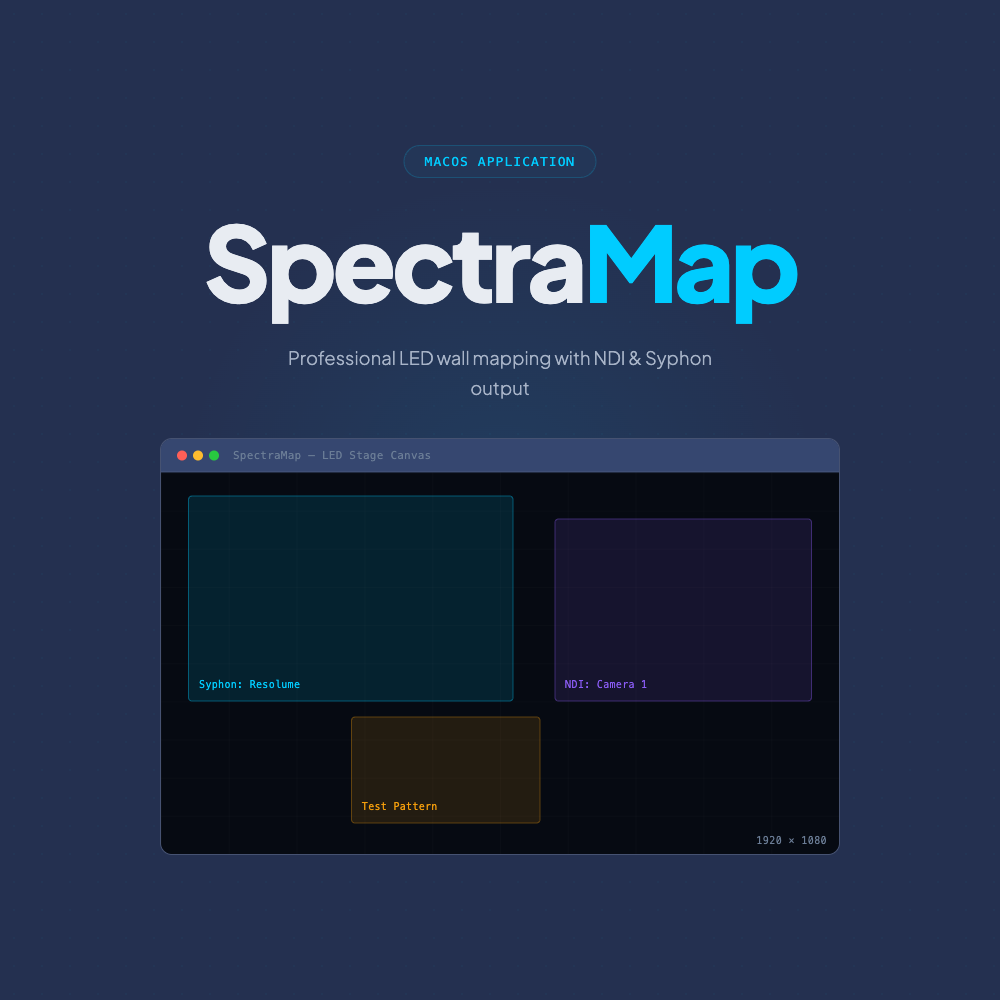
SpectraMap was the answer to this second problem: a purpose-built canvas mapping tool for macOS that takes Syphon and NDI sources in, lets you arrange them on pixel-accurate canvases, and sends the result out via NDI to wherever it needs to go — cleanly, reliably, without requiring you to context-switch into “media server operator” mode on top of everything else you’re already doing.
What We Have Now
Two tools. Two specific problems. Two clean solutions.
SpectraBridge — $99 AUD — captures macOS application windows and displays and publishes them as live Syphon sources. GPU-accelerated, minimal overhead, 7-day free trial. It’s the piece that answers “how do I get what’s on my screen into my Syphon pipeline?”
SpectraMap — $179 AUD — takes Syphon and NDI sources, maps them onto pixel-accurate canvases, and broadcasts the result over NDI or Syphon to your LED walls, processors, and downstream devices. 7-day free trial. It’s the piece that answers “how do I get the right content to the right LED surface from one Mac without building a MacGyver rig?”
They work independently — you don’t need both unless your workflow calls for both. But they’re designed to complement each other, and the combination covers a substantial slice of the live video signal chain in a way that previously required either expensive media server software or a creative approach to gaffer tape and prayer.
The Design Language Behind the Suite
One thing we’re quietly proud of — and which might not be obvious until you’ve used both apps — is that SpectraBridge and SpectraMap share a coherent design language. Same dark theme, same card-based layout patterns, same control conventions, same mental model.
This matters more than it might seem. On show day, cognitive load is a real thing. When you’re troubleshooting something at 5pm with doors at 7pm, you don’t want to context-switch between two apps that feel and behave completely differently. The Spectra suite is designed to feel like one toolkit, not a collection of unrelated software that happens to share a brand name.
As we add more tools to the suite — and we are adding more — this design consistency will be maintained. Every new Spectra application will feel immediately familiar if you’ve used any other.
What’s Coming Next
We’re not going to make promises we can’t keep or announce vaporware for the sake of a press release. What we will say is that the problems we’re solving with SpectraBridge and SpectraMap are adjacent to a cluster of other specific, real pain points in macOS live production workflows — and we’re actively working on them.
Some of the territory we’re exploring:
A dedicated Syphon and NDI monitor — so “is this source actually outputting what I think it’s outputting?” becomes a one-glance answer instead of opening four different apps.
Programmatic control over which sources go where, on cue, from a clean interface that doesn’t require Resolume expertise to operate.
Tying the Spectra toolset into the broader show control ecosystem — so your lighting desk, show caller, or automation system can influence video routing without a separate operator.
These are directions, not announcements. But if you’re a live production professional on macOS and any of those sound like problems you also want solved, you’re exactly the person we’re building for.
A Note on Why We Price the Way We Do
SpectraBridge is $99. SpectraMap is $179. Both are one-time purchases.
We made a deliberate choice to price these tools accessibly because we know the economics of live production. Independent VJs, sole-trader AV technicians, small production companies, touring crew who buy their own tools — these are real people working real shows with real budget constraints. They deserve access to professional-grade software at prices that don’t require them to justify it against a day rate.
We’re not trying to get rich off a subscription model for tools that should cost what they cost. We’re trying to build a software suite that the macOS live production community actually uses and trusts.
Stay Close
If this resonates — if you’ve ever built a MacGyver’d signal rig and known, deep in your bones, that there had to be a better way — then stick around. Sign up for the newsletter. Keep an eye on the Bitstream Media blog.
The Spectra suite is still early. There’s a lot more to come. And we genuinely want to hear from the people who are out there running shows and running into the same walls we ran into.
Get SpectraBridge ($99) →
Get SpectraMap ($179) →
Browse the full Spectra shop →
Talk to us →